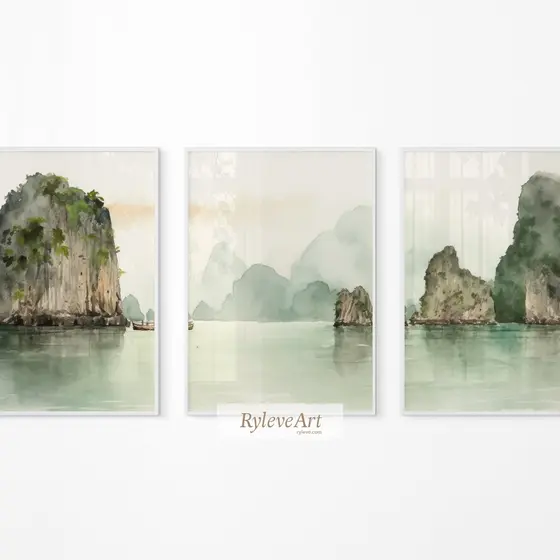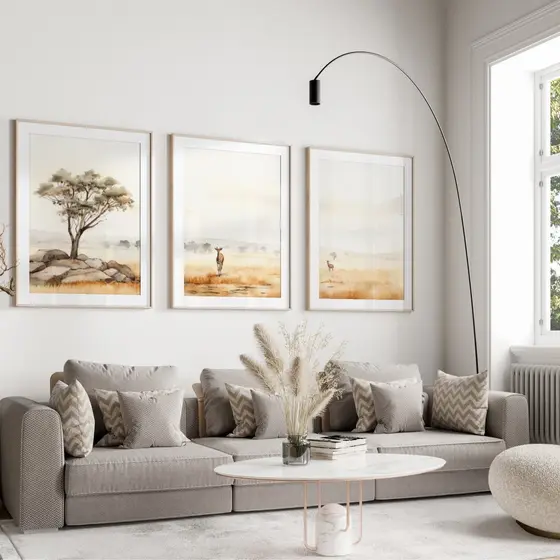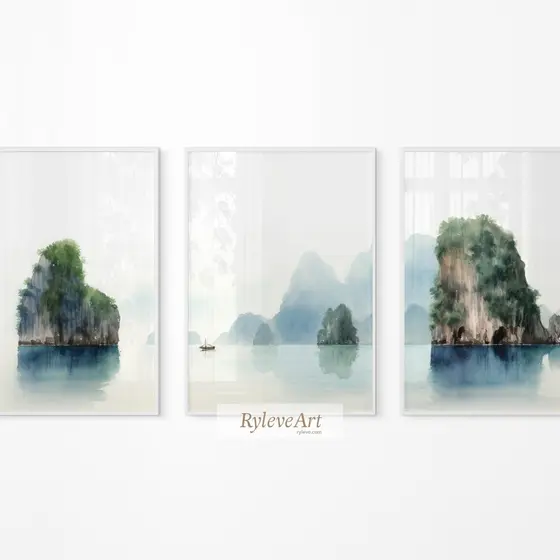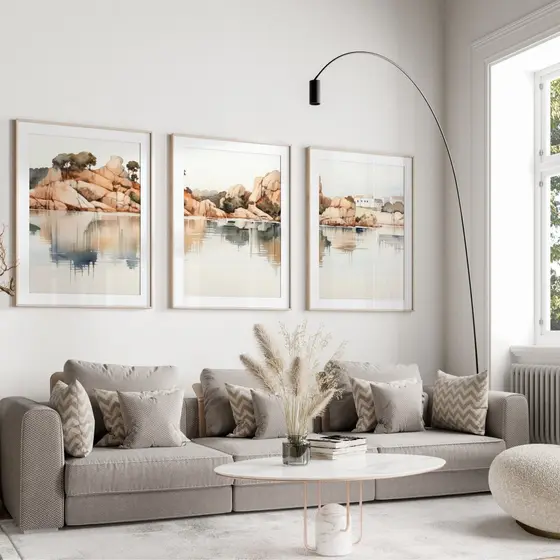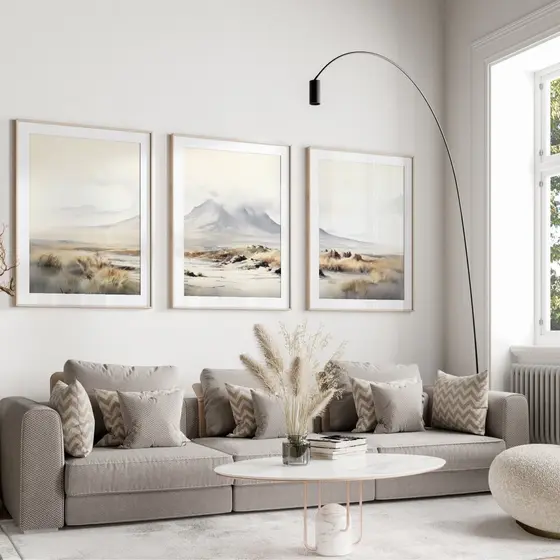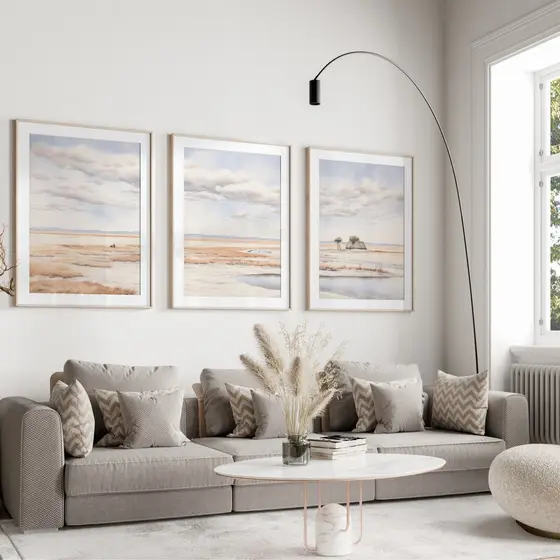
Landscapes
Vintage Christmas Frame TV Art Set
$12.50 $25
Secure checkout · files ready the moment you pay
- Files
- High-resolution JPGs, 300 DPI
- Ratios
- 2x3, 3x4, 4x5, 5x7, 11x14
- Sizes
- 27 sizes, 4x6 in up to A1
- Use
- Home and classroom, nothing is shipped
About this design
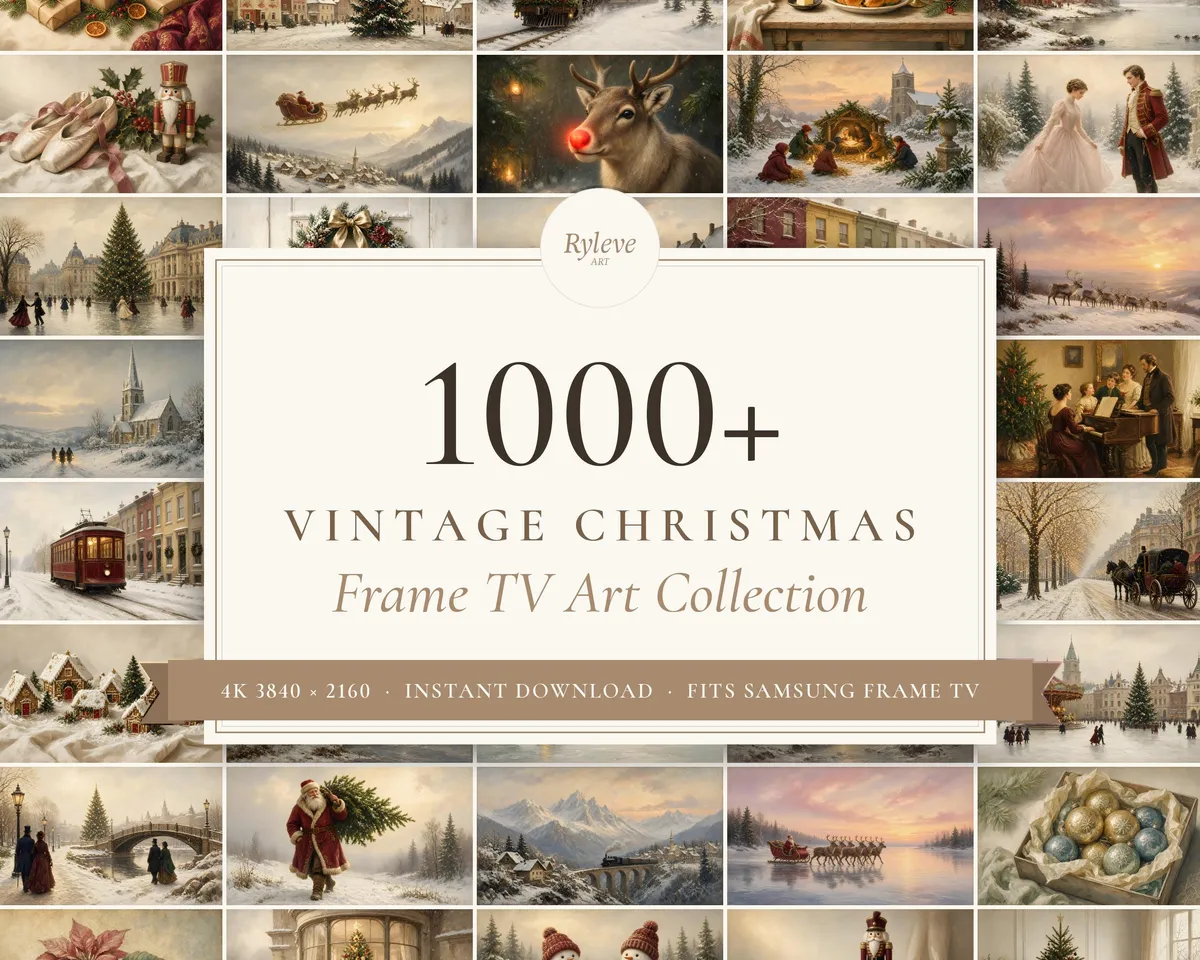
A whole season of Christmas, ready for your art TV.
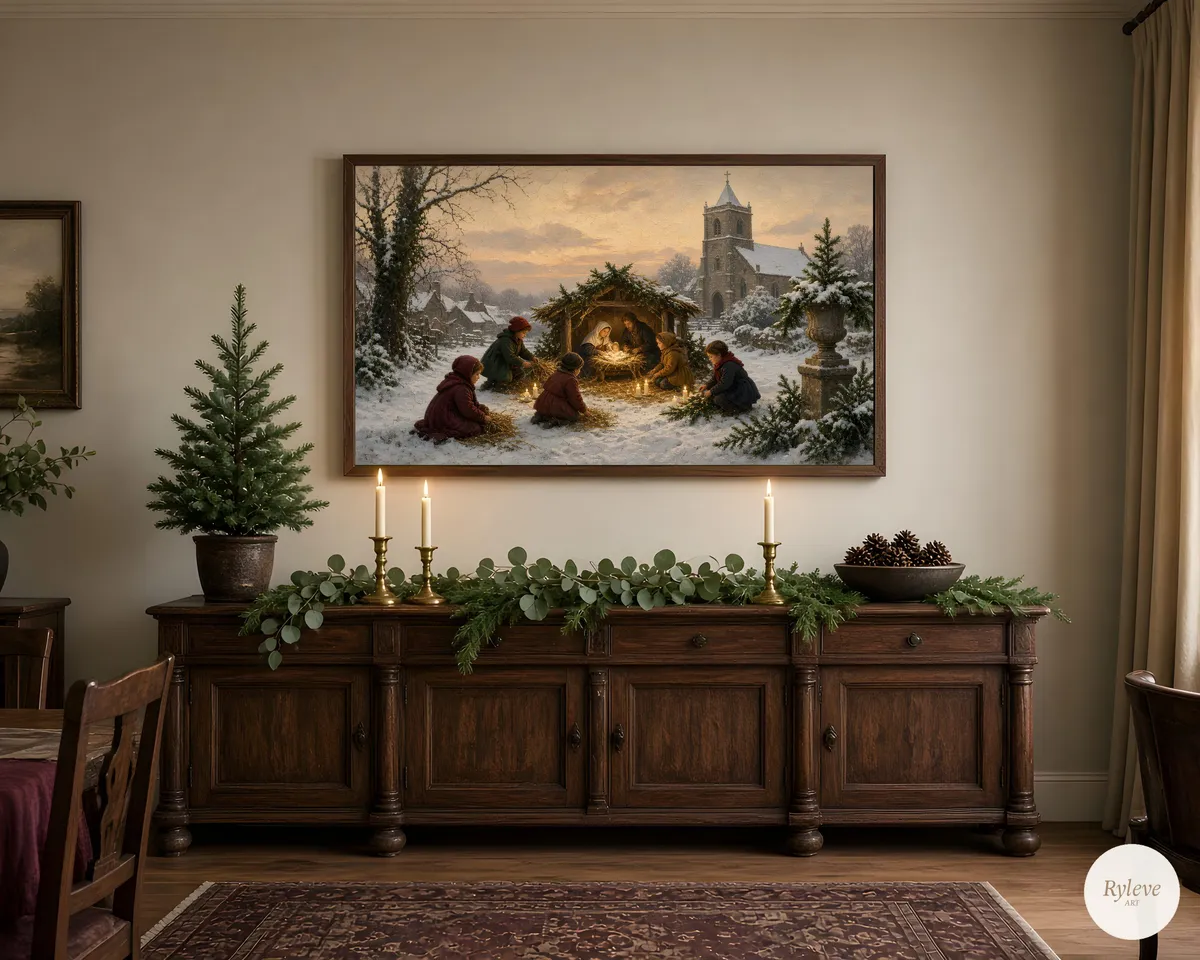
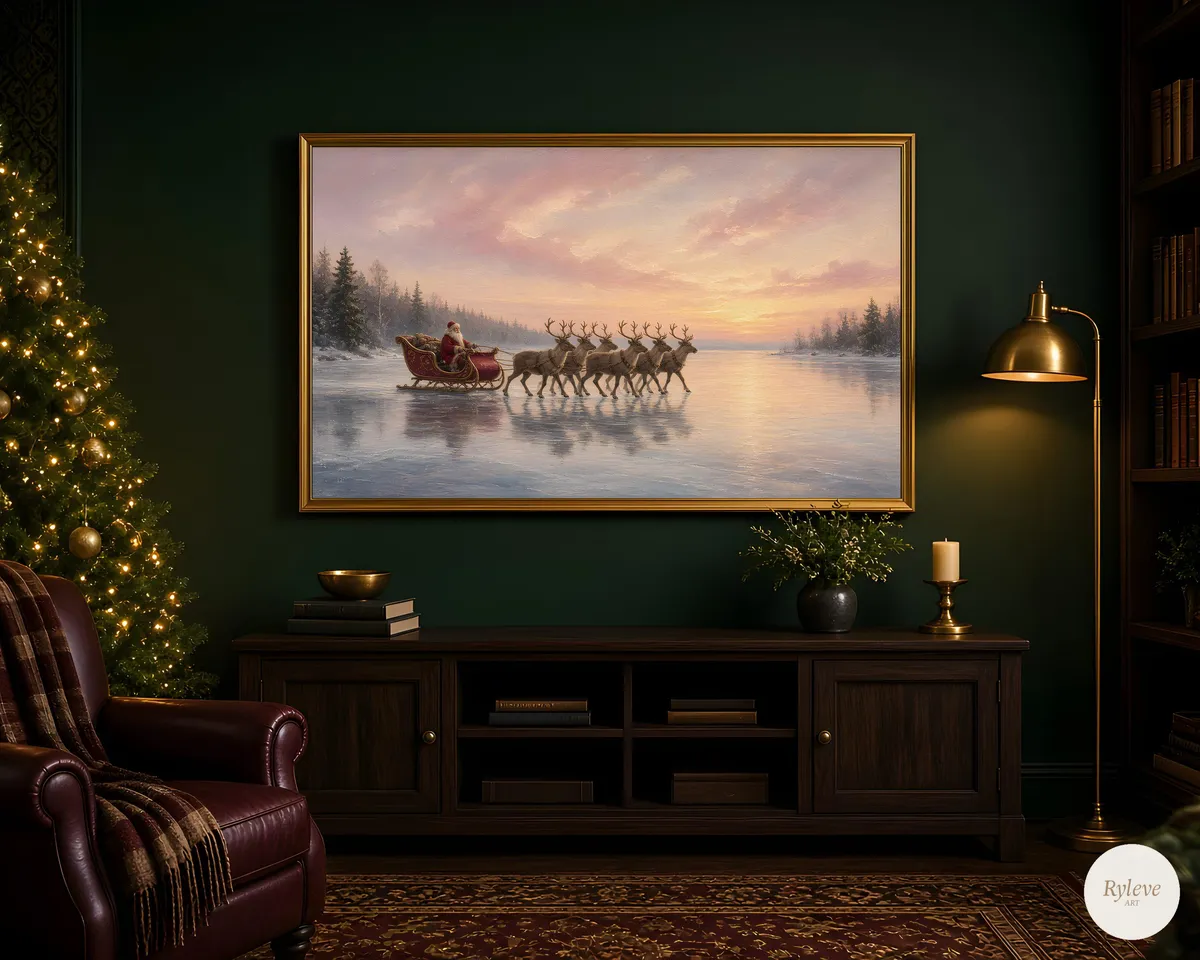
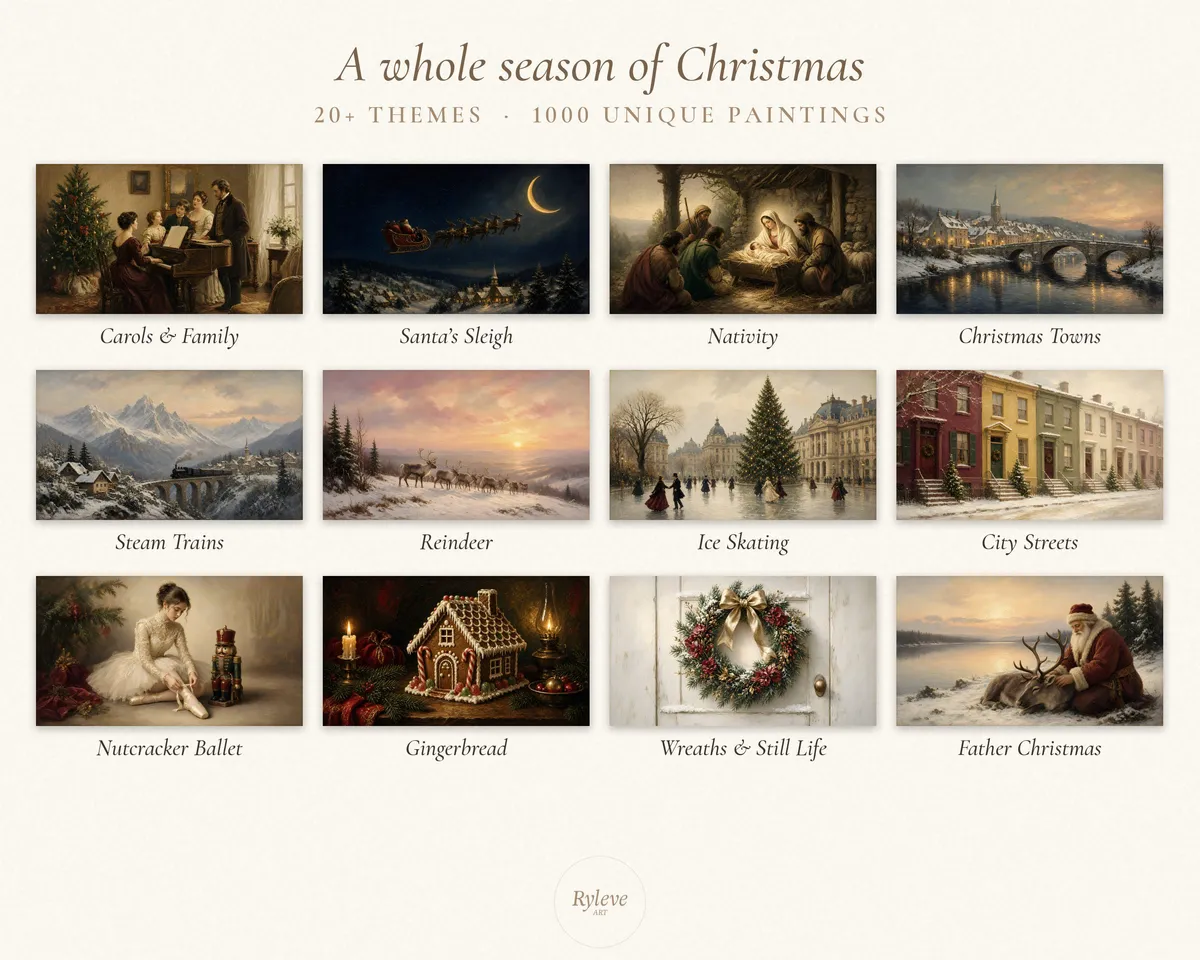
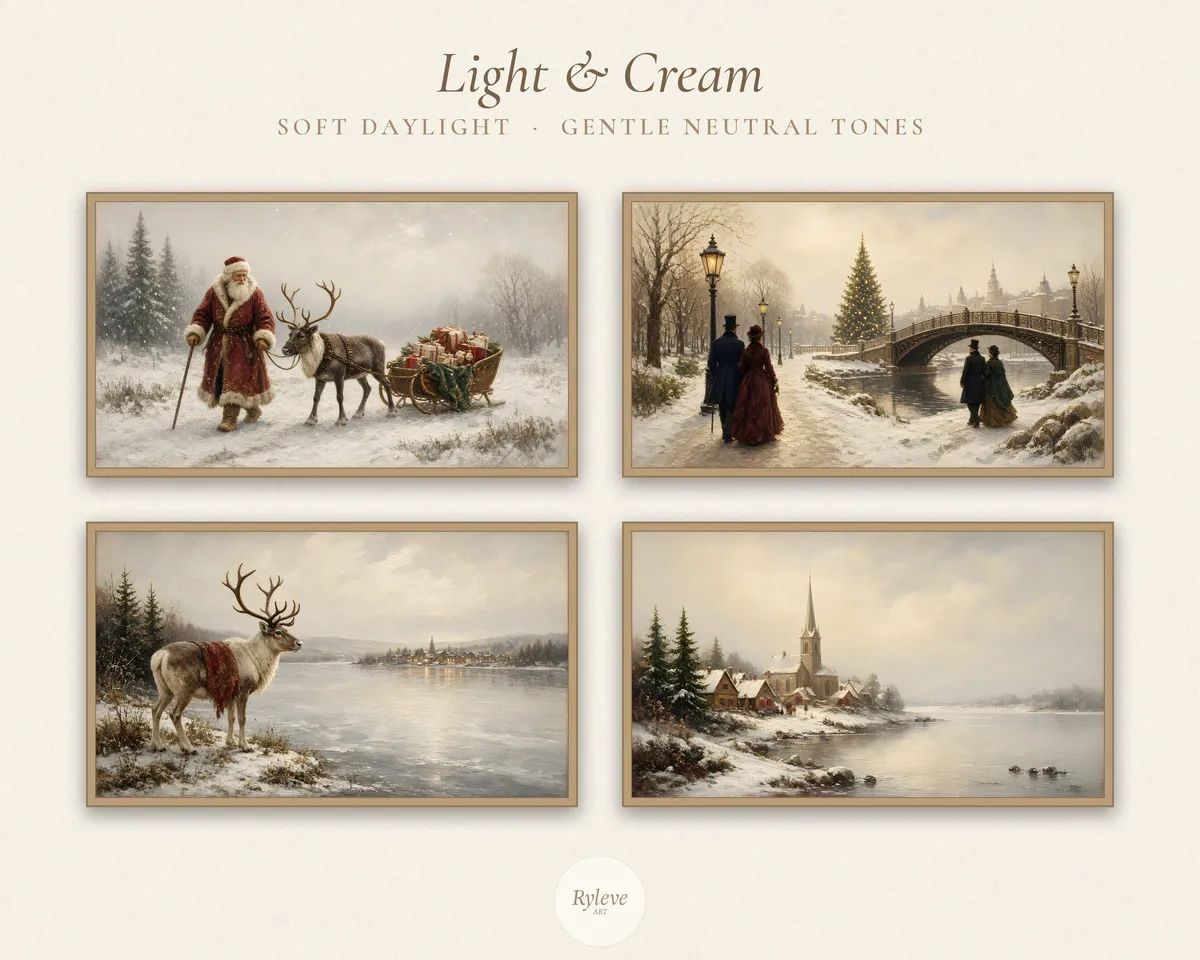
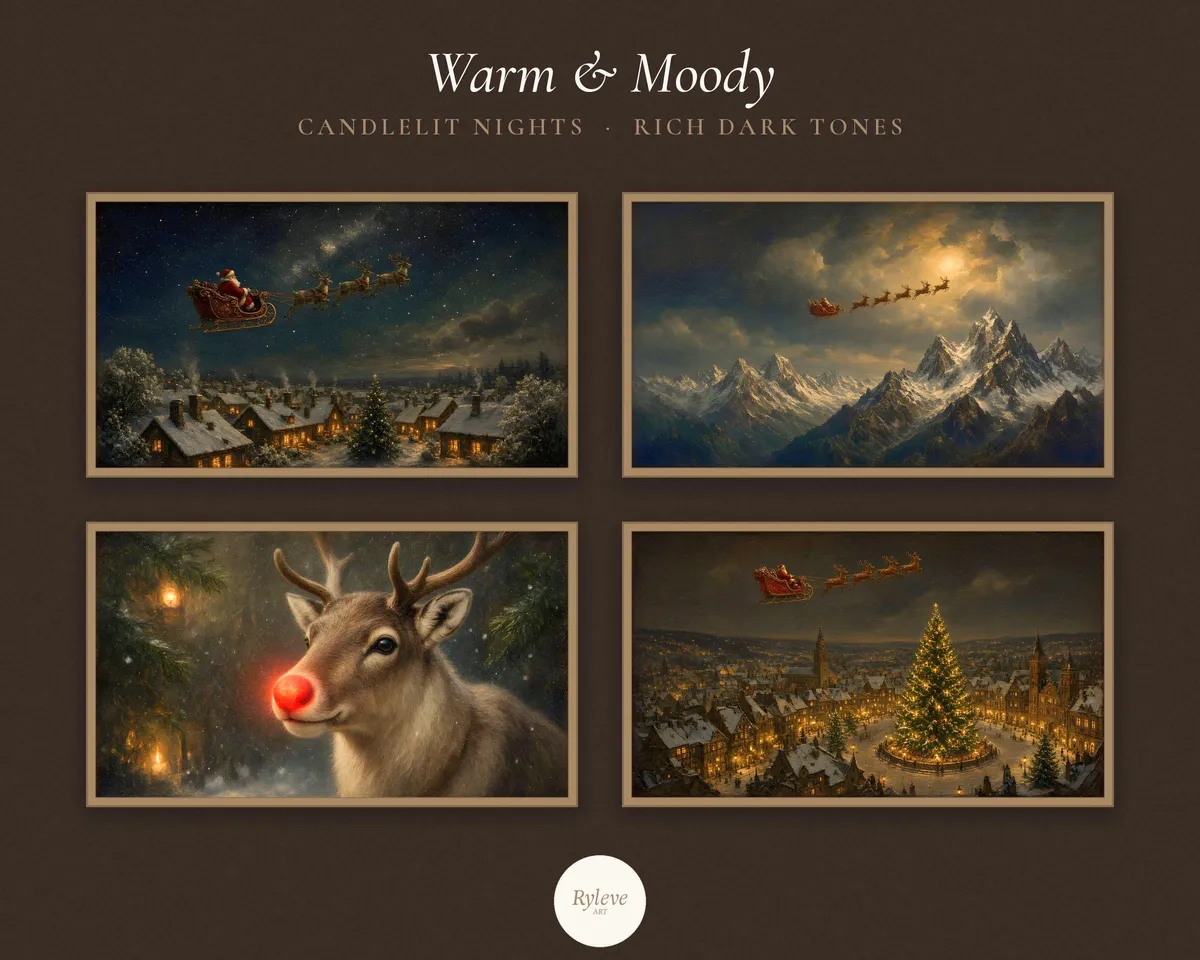
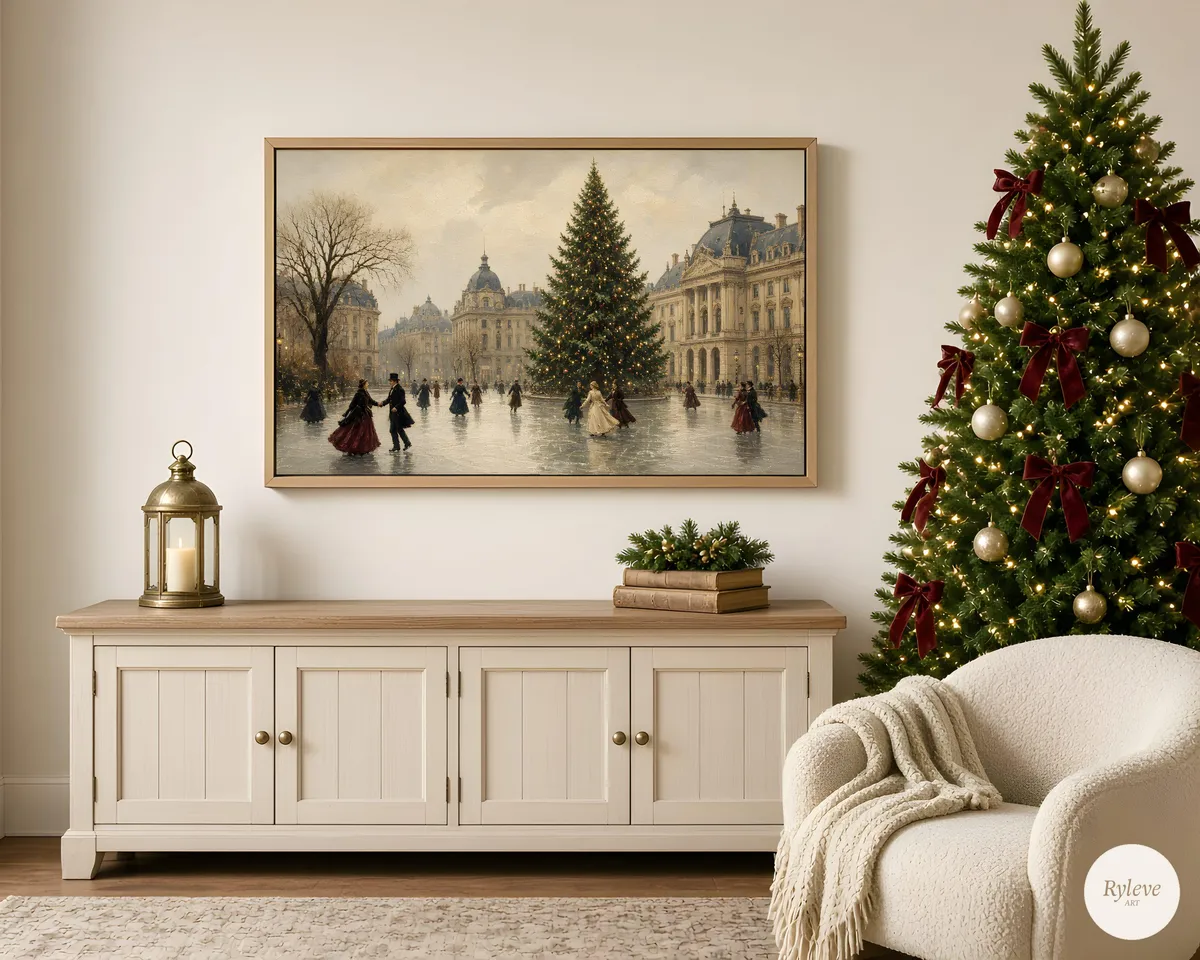
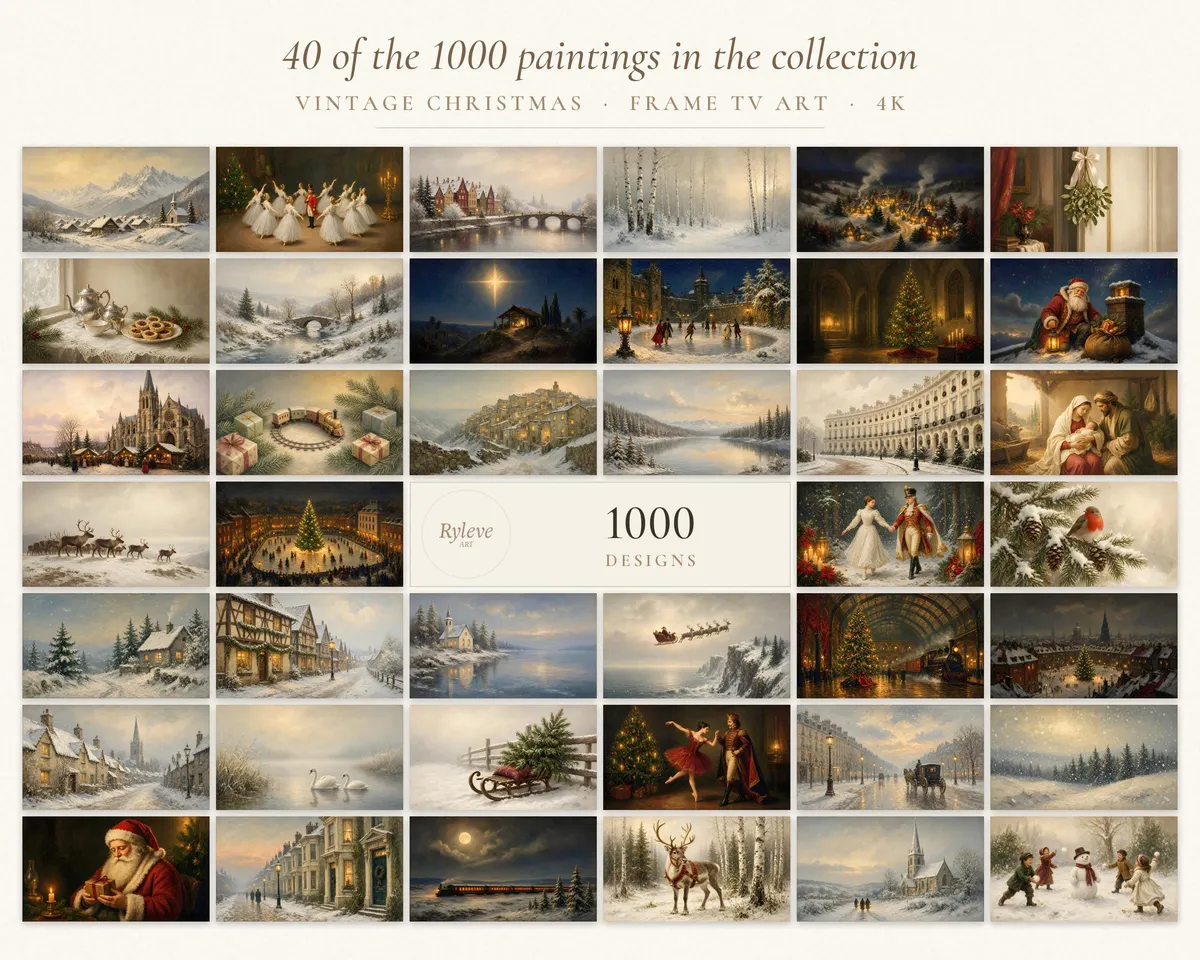
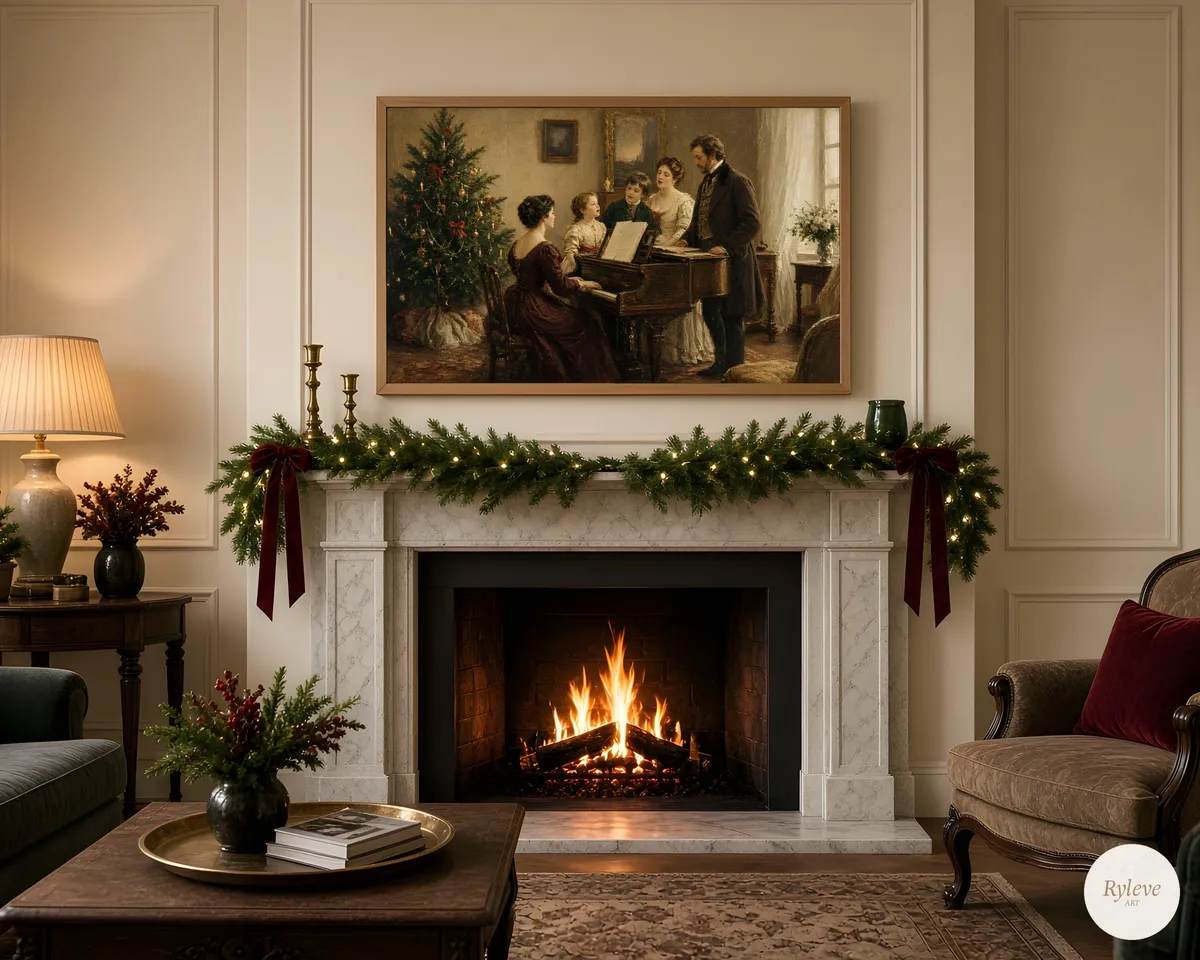
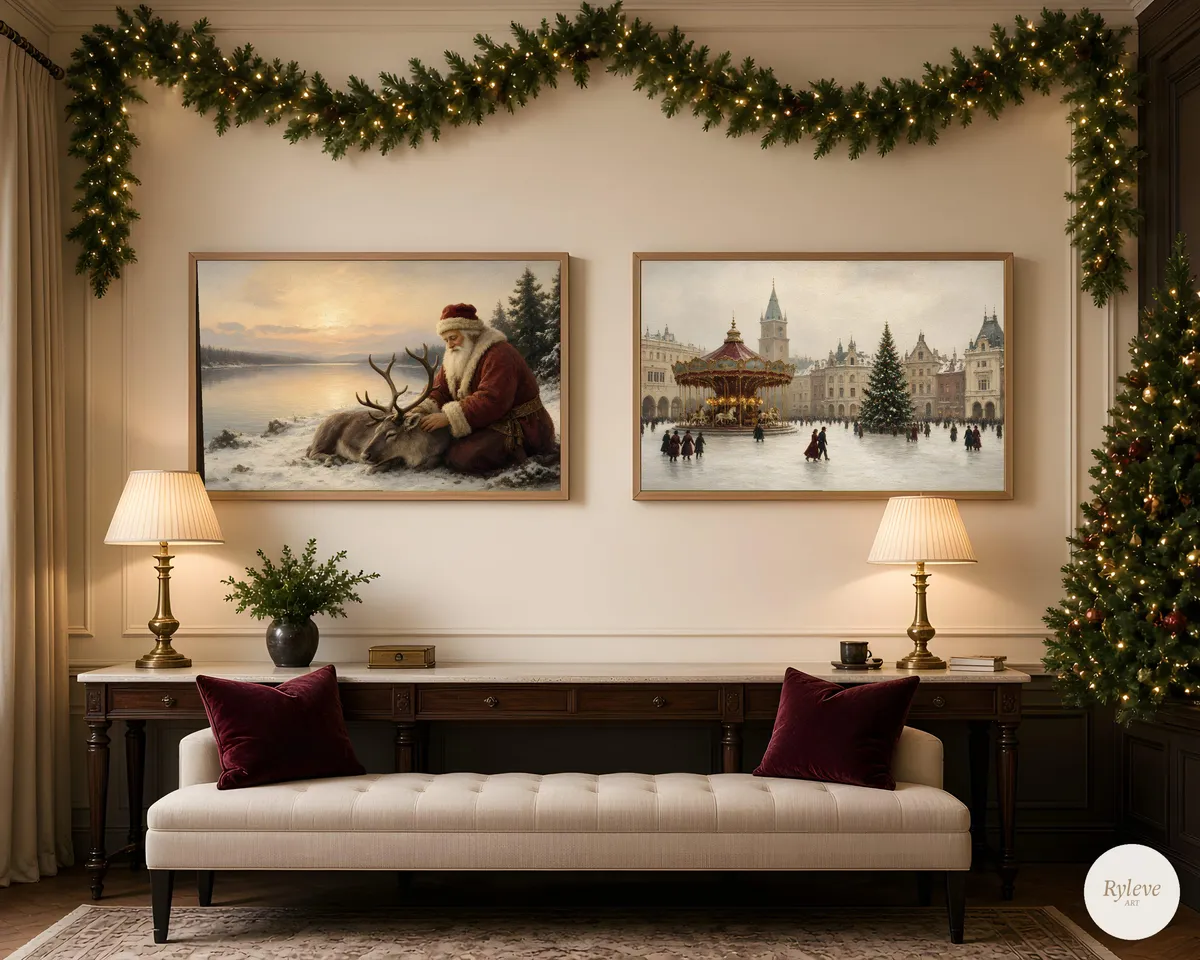
One thousand vintage-style Christmas paintings, made to fill a Samsung The Frame, a Hisense CanvasTV, a TCL NXTFRAME, or any other 16:9 art TV or 4K screen. Carol singers and quiet nativities, snowy towns, steam trains, reindeer, nutcracker ballet, gingerbread kitchens and Father Christmas — enough to change the room every day from the first of December to Twelfth Night, and to come back to next year.
This is a digital download. Nothing is posted.
What’s included
- 1,000 unique vintage Christmas paintings
- 4K JPG files at 3840 × 2160 pixels (16:9), the native size of Samsung The Frame and most 4K art TVs
- One ZIP download (about 2.3 GB) with all 1,000 paintings, numbered 001 to 1000
- A short PDF display guide for Samsung The Frame and other art TVs
You do not need a paid Art Store subscription to use these. They are your files, to keep and display at home.
Themes in the collection
More than twenty themes run through the set, including:
Carols & Family · Santa’s Sleigh · Nativity · Christmas Towns · Steam Trains · Reindeer · Ice Skating · City Streets · Nutcracker Ballet · Gingerbread · Wreaths & Still Life · Father Christmas
Works on
- Samsung The Frame (all screen sizes — the 16:9 ratio is what matters)
- Other art TVs, including Hisense CanvasTV and TCL NXTFRAME / NXTVISION
- Many later Samsung QLED, Neo QLED and OLED models in Art Mode or Ambient Mode
- LG TVs with Gallery, Art Gallery, Gallery+ or a photo screensaver
- Any 4K television via USB photo playback, Chromecast / Google Photos, or Apple TV screensaver
- Digital photo frames, and desktop or tablet wallpaper
How you receive the files
This is an instant digital download. After checkout, choose Download your files on the thank-you page, or use the link in the email from our payment partner, Polar. You'll get one ZIP file (about 2.3 GB) with all 1,000 paintings, a display guide and a READ ME.
The file is large, so download it on a computer with a good connection rather than on a phone. Unzip it, then start with the paintings you want to show first. You do not have to add all 1,000 to your TV in one go.
How to display them (short guide)
On Samsung The Frame, the usual routes are:
1. SmartThings — save the JPGs to your phone, open the app, select your TV, then Art or Art Mode, and add the images from My Photos or Add Your Photos. Set the matte to None for a full-screen painting, or choose a matte if you prefer a framed look. A slideshow will rotate through the ones you have added.
2. USB — copy the JPGs onto a stick, plug it into the One Connect box or the TV, and import them from Art Mode (typically My Collection or My Photos).
A short press of the Power button on the One Remote usually switches between television and Art Mode.
On other art TVs the idea is the same: add the JPG through the set’s art, gallery or photo menu (app, QR code or USB), or use the TV’s photo viewer, screensaver or Ambient Mode. Step-by-step notes for Hisense, TCL, LG, other Samsung sets, Apple TV, Chromecast and photo frames are in the PDF.
A note on use
This collection is licensed for your own home and personal enjoyment. Please don’t share the files, resell them, or use them commercially.
The paintings are made for screens, not as large paper prints. Colours can vary a little between monitors and televisions; Art Mode brightness and colour-tone settings will help the picture sit naturally in the room.
Frequently asked questions
Will these fill my Frame TV?
Yes. Every file is 3840 × 2160 pixels in a 16:9 ratio, which is the standard full-screen size for The Frame, in every screen size. If the image looks cropped or has a border, set the matte to None (or Off).
Can I use them if I don’t have a Samsung Frame?
Yes. They are ordinary 4K JPG files. They display well on other art TVs and on most 4K screens, photo frames and computers. The PDF explains the usual routes.
Why is the download so big?
It holds 1,000 full 4K paintings, about 2.3 GB in one ZIP. A computer with a steady connection is the easiest way to download and unzip it.
I bought this on my phone. Where are the files?
Open the email from Polar (or the Download your files link from your order) on a computer, download the ZIP there, and unzip it.
Do you ship a physical product, a USB stick or a Frame TV?
No. This is a digital download only. No television, frame, USB stick or printed artwork is included, and nothing is posted.
Thank you for supporting Ryleve Art.
Happy decorating,
Ryleve Art
Which size should I print?
Every order includes all five files. Use the one that matches your frame.
- 2x3
- 4x6, 8x12, 12x18, 16x24, 20x30 and 24x36 in, 60x90 cm
- 3x4
- 6x8, 9x12, 12x16, 15x20 and 18x24 in
- 4x5
- 4x5, 8x10 and 16x20 in, 40x50 cm
- 5x7
- 5x7 in, A5, A4, A3, A2, A1, 50x70 cm
- 11x14
- 11x14 and 22x28 in
How printing works
Download the files straight after checkout (we email you the link too). Print at home on good paper, or take them to a local print shop or any online photo printer. Colours can vary a little between screens and printers.